Open .webp images in Eye of Mate image viewer on Linux, Mate Desktop
ID: 426
Category: Mate Desktop
Added: 19th of April 2026
Views: 697
Related Tips & Tutorials
➔
Convert images in .png format to .webp format on Linux
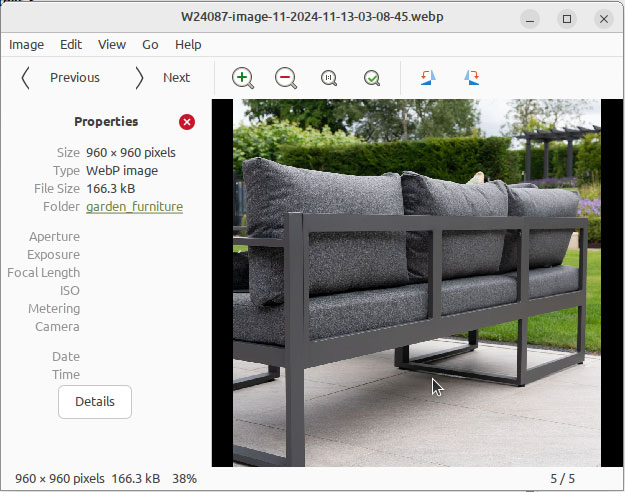
Eye of Mate is a simple image viewer for viewing images in the Mate desktop environment on Linux and is included in many Linux distributions.
One issue with Eye of Mate is the ability to display images in .webp format.
To view files in .webp format you need to install the following package webp-pixbuf-loader
Open your terminal and enter the following command
sudo apt install webp-pixbuf-loader
Once the package is installed you can view the
.webp image by right clicking your mouse and selecting Open with in the context menu.
Eye of mate can be found under Graphics in the main menu of your Mate desktop, or can be launched via the terminal using the following command
eom

