ID: 410
Category: Android
Added: 8th of September 2025
Views: 5,056
If you currently monitor and control phones through Google Family Link and need to wipe and factory reset one of the devices, you will need to do this through Family Link.
You cannot wipe and factory reset on the device itself as the function will be disabled. This is done to protect the family members account and data.
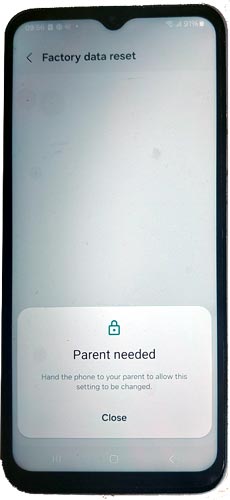
To wipe and factory reset a android phone do the following:
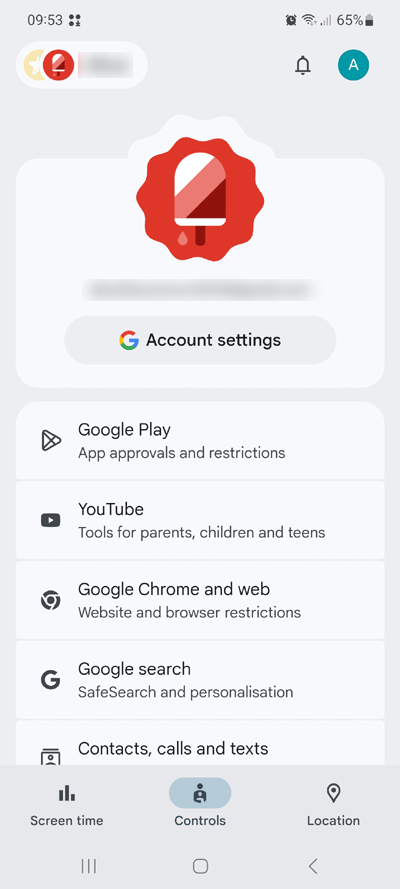
1) Open Google Family Link then select the family member by selecting the tab in the top left hand corner
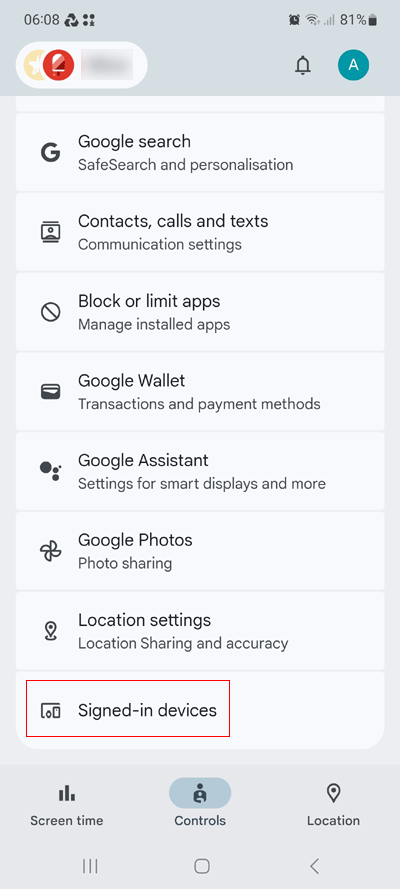
2) Scroll down and click on Signed-in-devices
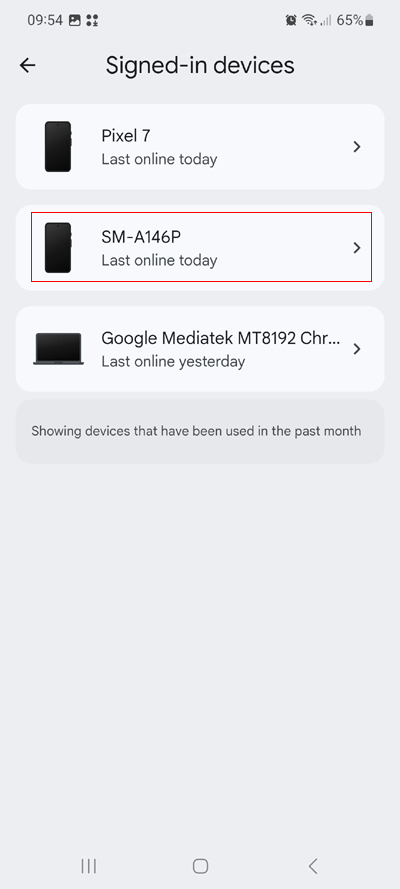
3) If they have more than one device, select the correct device
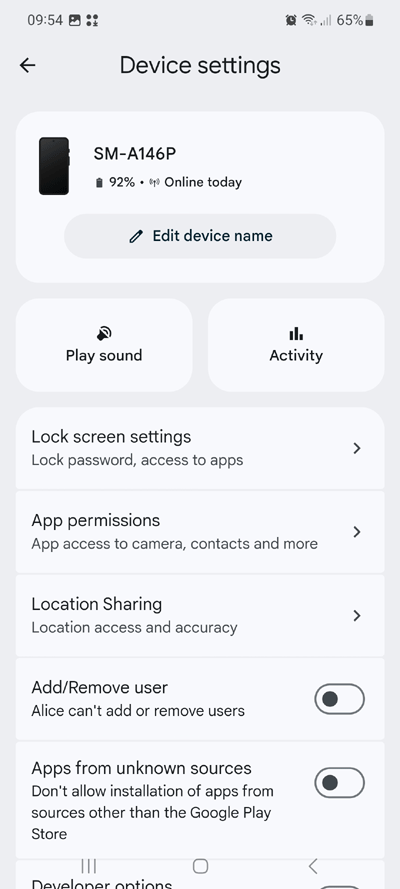
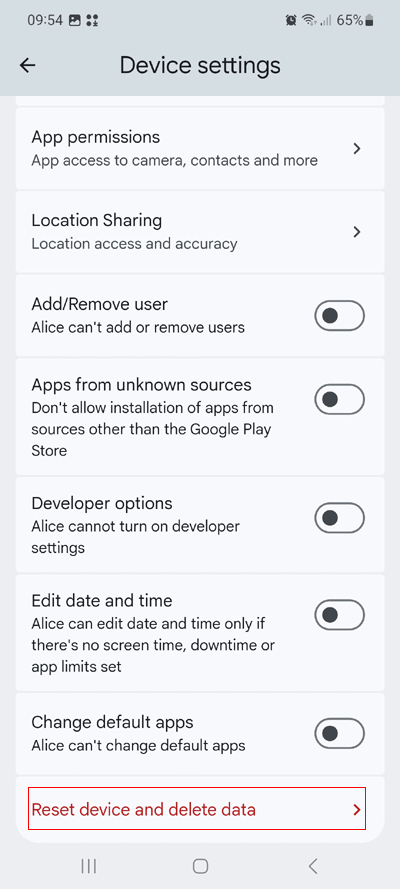
4) Scroll down and select Reset device and delete data
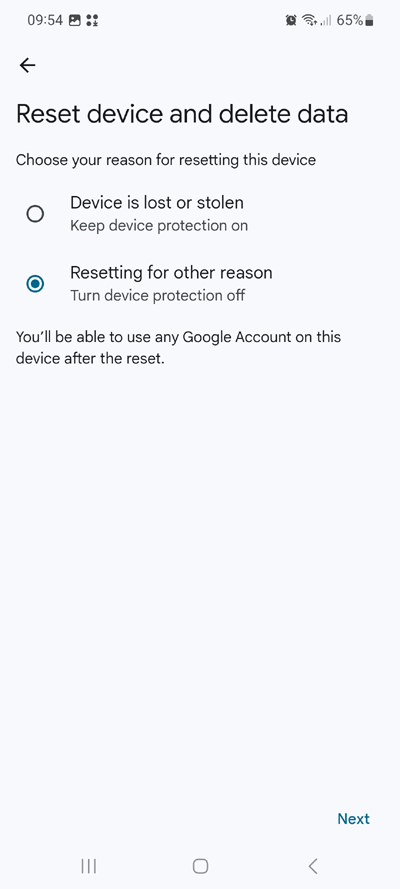
5) Select Resetting for other reason and select next
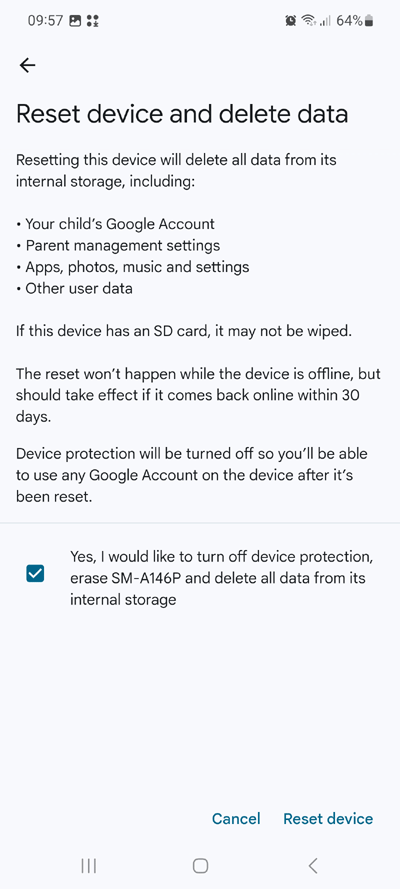
6) Confirm and select Reset Device
After confirming you will see the phone reset and wipe and restore itself to factory defaults.