ID: 406
Category: Emulators
Added: 13th of August 2025
Views: 2,336

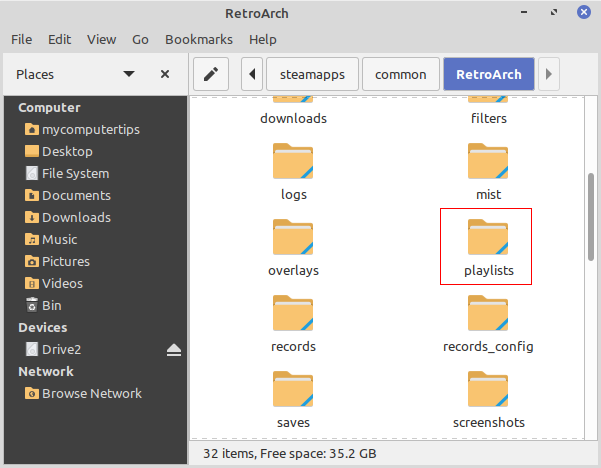
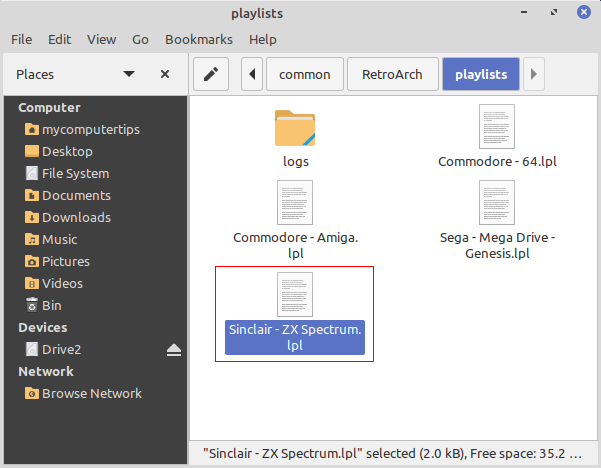
The easiest way to delete a playlist in Retroarch, is to delete the .lpl file from inside the playlists directory. The playlists folder can be found inside the main Retroarch directory.
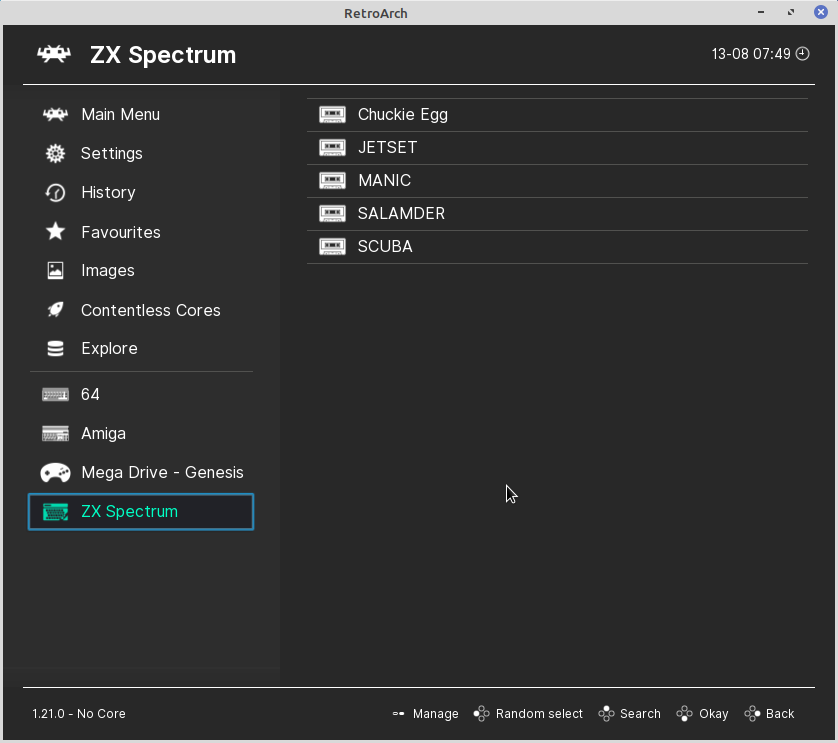
In this example I am deleting the ZX Spectrum playlist.
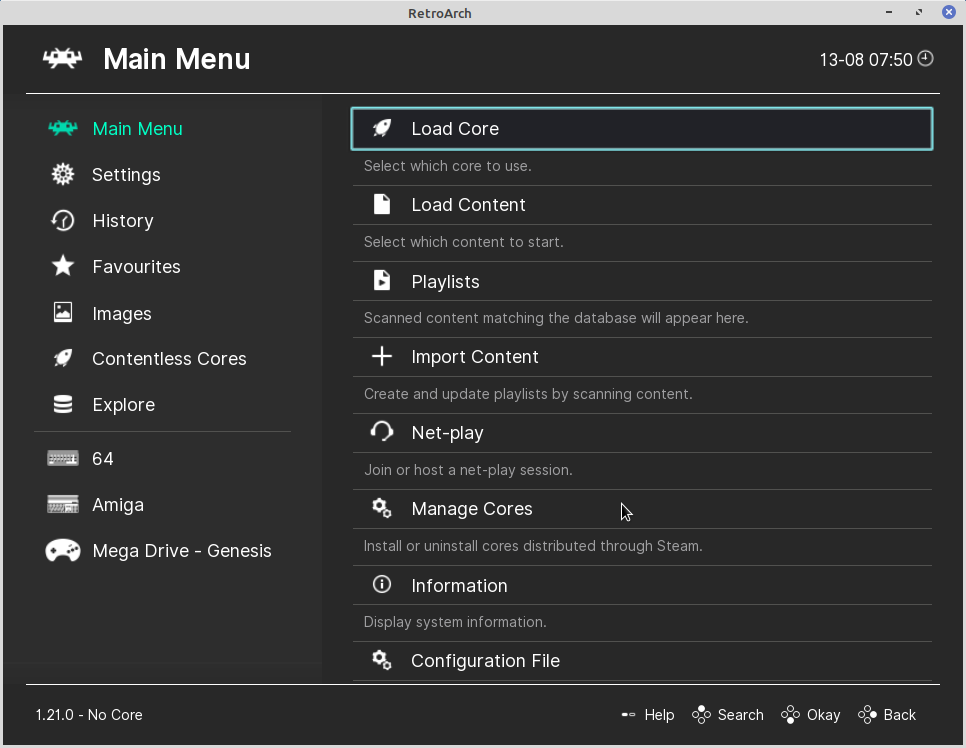
After deleting the playlist, you will need to close down Retroarch and restart to view the changes.