ID: 405
Category: Emulators
Added: 12th of August 2025
Views: 2,168

Retroarch is a front end to many emulators, and brings everything under one system.
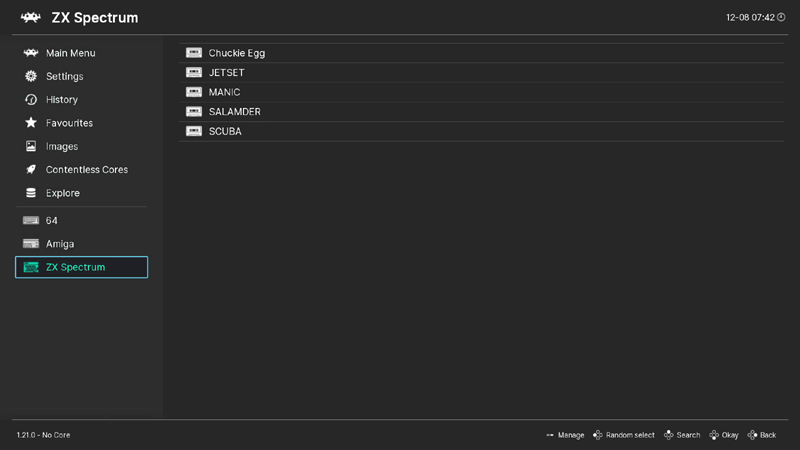
Retroarche's playlists feature is a great way to create shortcuts to your favourite retro games. This is achieved by scanning a directory of your games and then selecting the core the games will launch with. The example below sets up a playlist for ZX Spectrum games using the Sinclair - ZX Spectrum (Fuse) core.
Once correctly set up, a shortcut to your games will appear in the main menu. To create a playlist in Retroarch do the following:
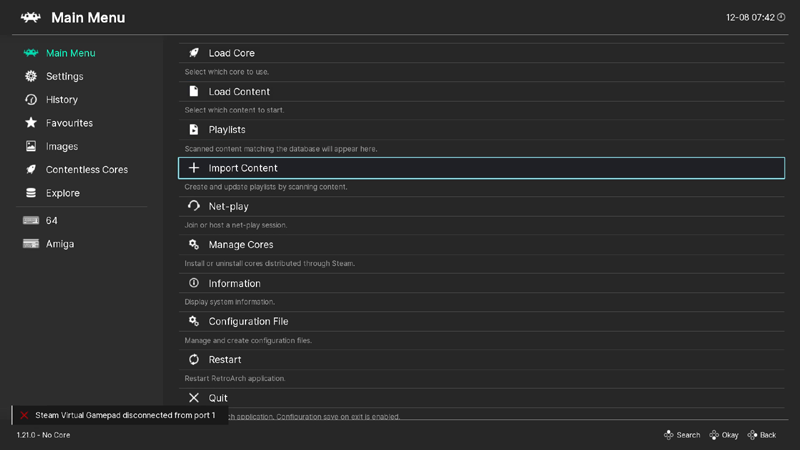
Step 1) Select Import Content
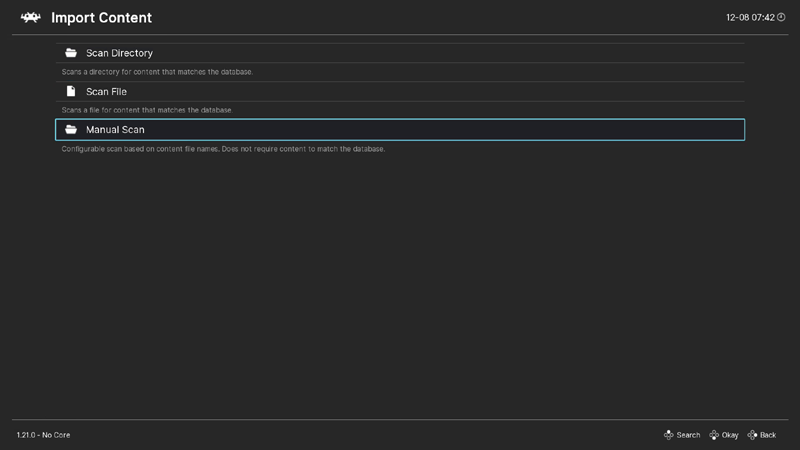
Step 2) Select Manual Scan
Step 3) Select Content Directory
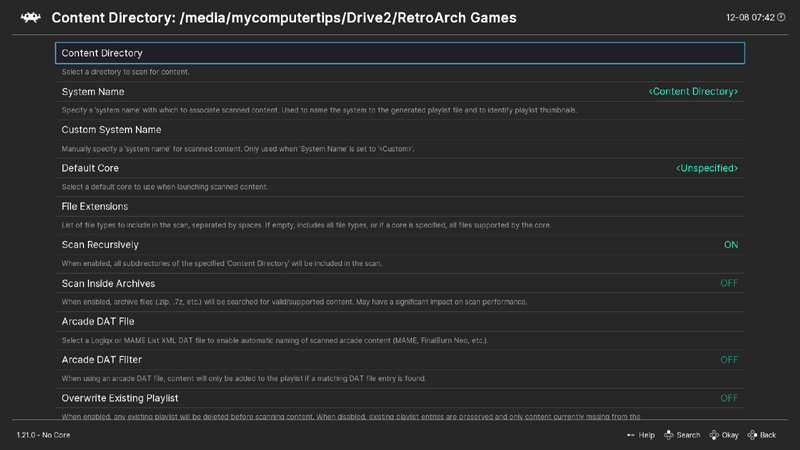
Step 4) Select the directory containing your games, in my case ZX Spectrum Games which are stored on my second drive
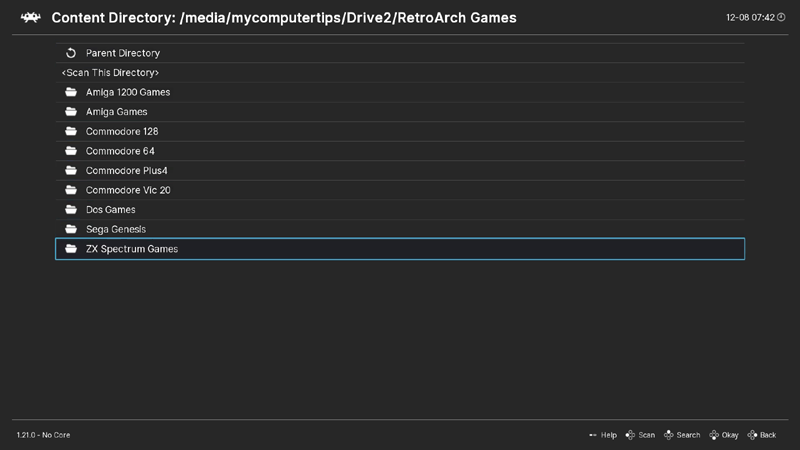
Step 5) Select Scan Directory

Step 6) Select System Name
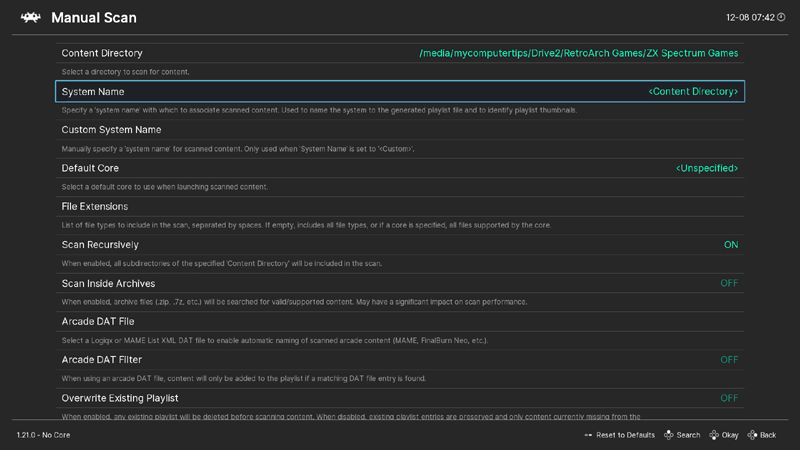
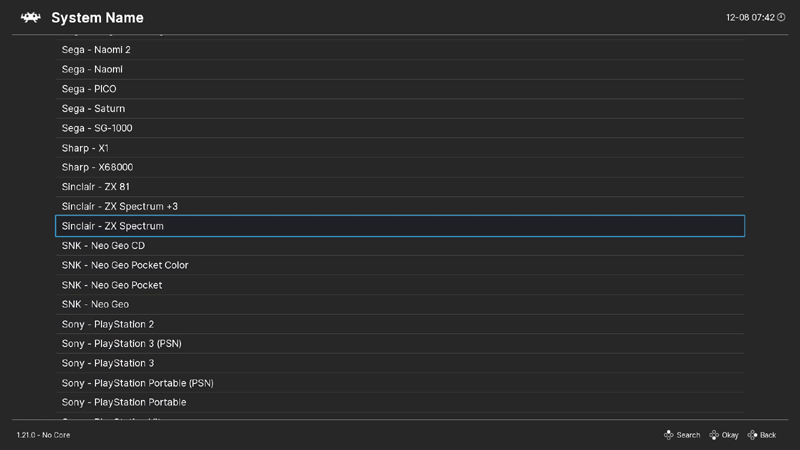
Step 7) Select System Name from the list, in my case Sinclair - ZX Spectrum
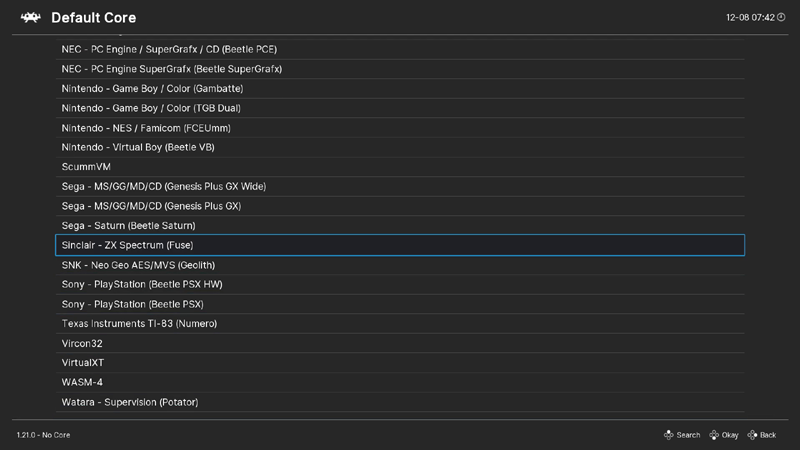
Step 8) Select Default Core
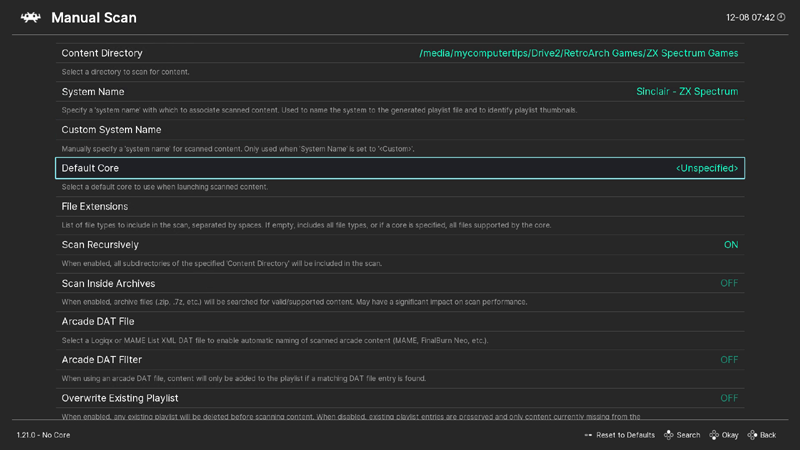
Step 9) Select the Default Core from the list, in my case Sinclair - ZX Spectrum (Fuse)
Step 10) Select Start Scan
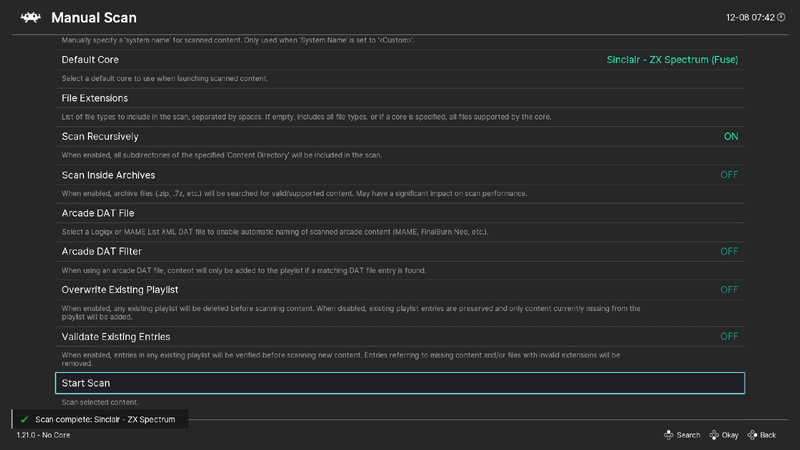
Step 11) Return to main menu. The shortcut to your playlist will be displayed in the side menu