ID: 404
Category: Facebook
Added: 29th of July 2025
Views: 1,179

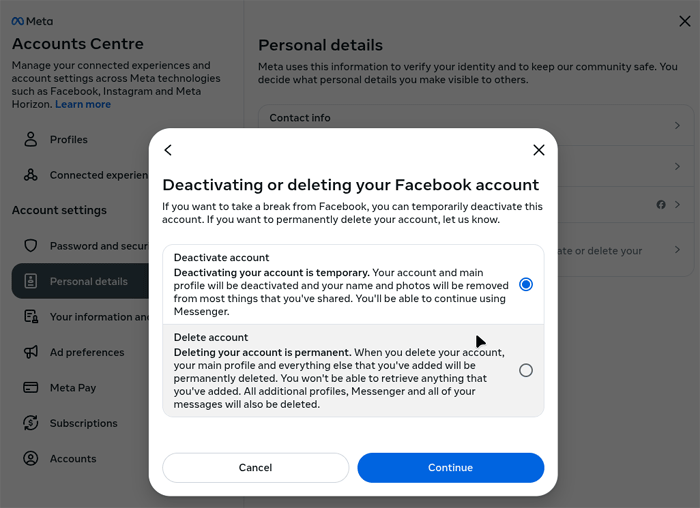
If you fancy taking a break from Facebook and wish to deactivate or even completely remove your account, it can be quite confusing where to find the area on the site to do this.
To deactivate or delete your account go to the following address on your PC or mobile device
https://accountscenter.facebook.com/personal_info
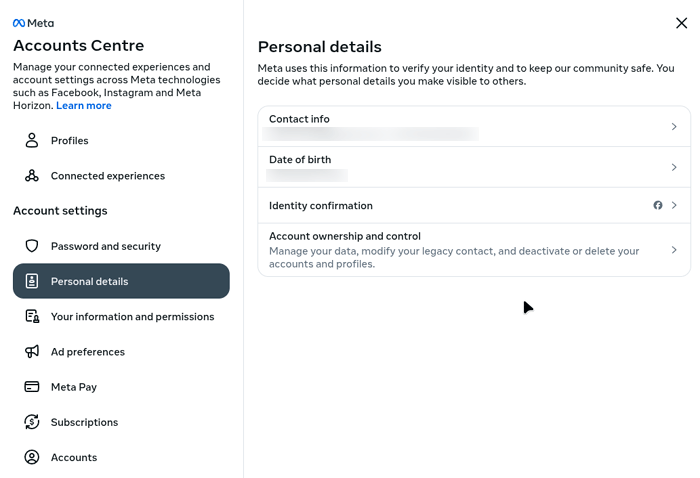
1) Click on Account ownership and control under Personal details
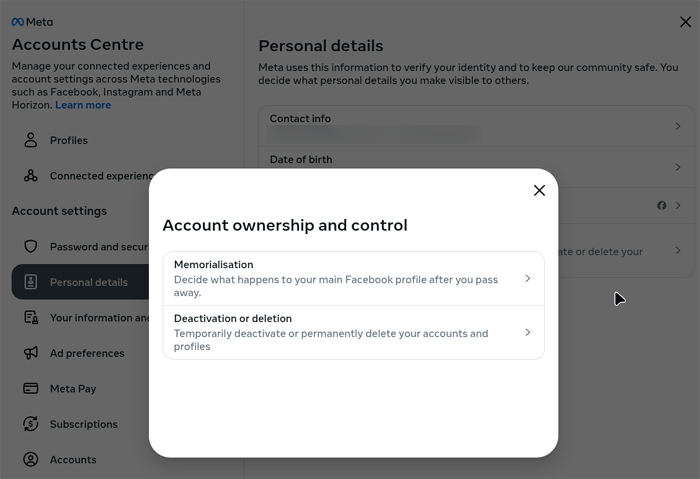
2) Click on Deactivation or deletion
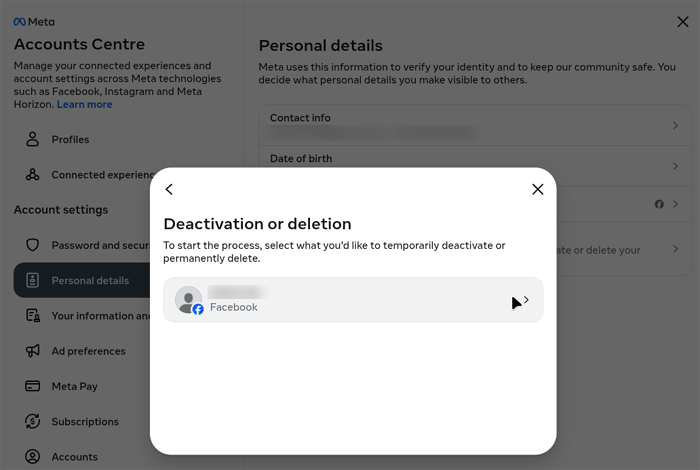
3) Click on your profile name
4) Enter your password
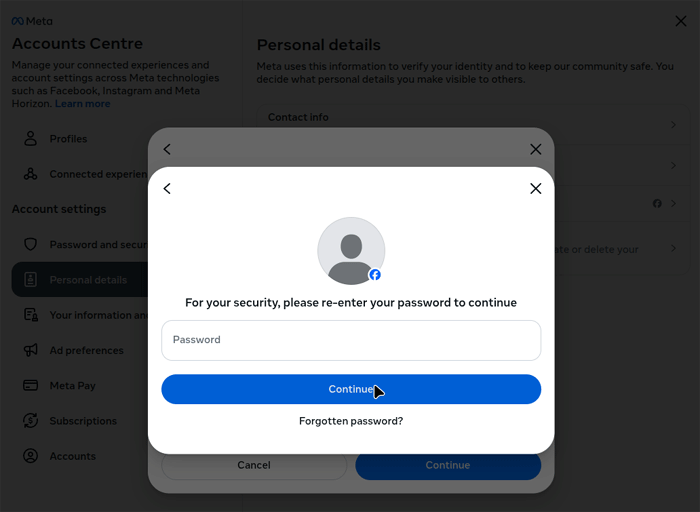
5) Select whether to Deactivate or delete your account permanently, then follow the onscreen instructions after this