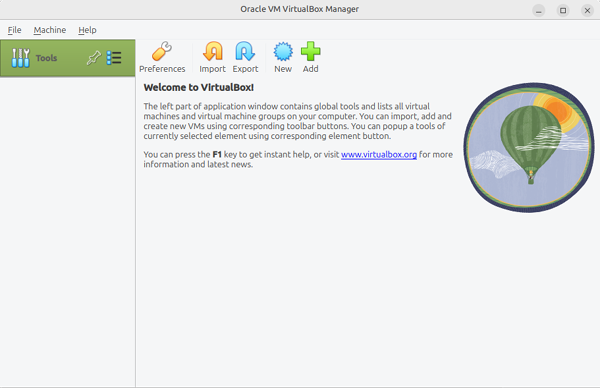
Virtualbox is not currently allowed to access USB devices, Linux Mint, Ubuntu and Ubuntu based distributions
ID: 401
Category: Virtualization
Added: 8th of July 2025
Views: 1,079
After installing Virtualbox on Ubuntu Mate, a warning appeared regarding Virtualbox not being able to access USB devices
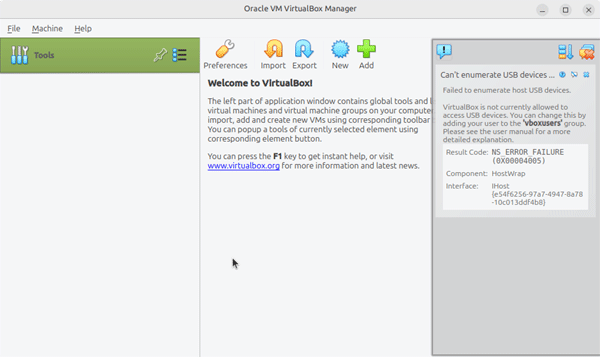
To resolve this issue you need to add yourself to the vboxusers group. Open the terminal and enter the following command. You will need to enter your root password.
sudo usermod -a -G vboxusers $USER
To check you were added to the
vboxusers group enter the following command
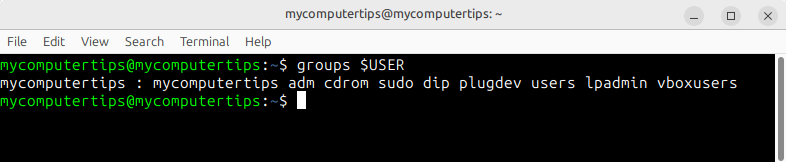
groups $USER
As you can see from the output below, mycomputertips has now been added to the
vboxusers group
The error may still appear when you restart Virtualbox. This was resolved on my own machine by rebooting.