Install BBC Micro Emulator BeebEm on Linux
ID: 176
Category: Emulators
Added: 28th of July 2020
Updated On: Tutorial updated and rechecked on 13th of December 2025
Views: 6,776
Related Tips & Tutorials
➔
BEEBUG FOR THE BBC, Retro magazine for the BBC Micro 1984

I have not found a reliable BBC Emulator under Linux, but one emulator that does seem to work well is BeebEm. There is a Linux version, but it requires building and compiling and has not been updated since 2006, so I decided to download and try the Windows version using Wine and Crossover, which seems to work very well.
I have only loaded a couple of tape files so far, but will extend the tutorial as I learn more about the emulator.
To install BeebEm in your distribution please first ensure you have Wine installed on your machine.
If you already have Wine installed visit
http://www.mkw.me.uk/beebem/ (BeebEm - BBC Micro and Master 128 Emulator - Mike's Page) and download the Windows version.
Once download right click on the .exe file and open with Wine, alternatively locate the .exe file and enter the following in the terminal and follow the installation instructions
wine BeebEm415.exe
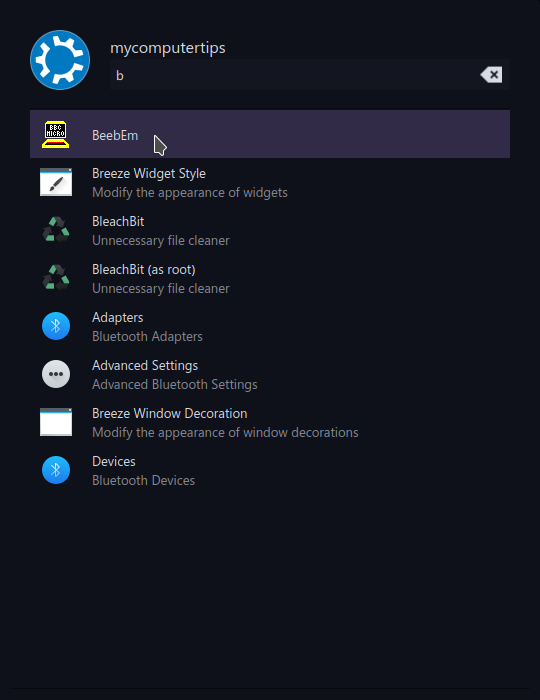
Once installed BeebEm will available from the Wine menu, click on the BeebEm icon to launch the emulator
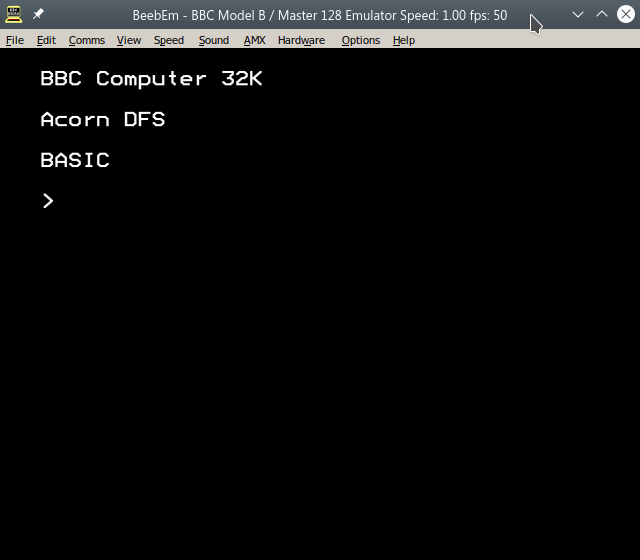
BeebEm will launch the standard BBC B Emulator
You can select a different machine under Hardware >> BBC Model, however for this tutorial we will focus on loading tape images.
In order to load games and software for BeebEM we need to download tape images in the following format UEF which stands for The Unified Emulator Format. This format is used to store raw tape data.
You can find a list of downloadable games and software from the following site
https://www.stairwaytohell.com/bbc/index.html?page=tapeimages
Download the .uef file and extract to file to a directory of your choice.
Go back to BeebEM and select Load Tape from the File Menu, then select the file you downloaded and click Open.
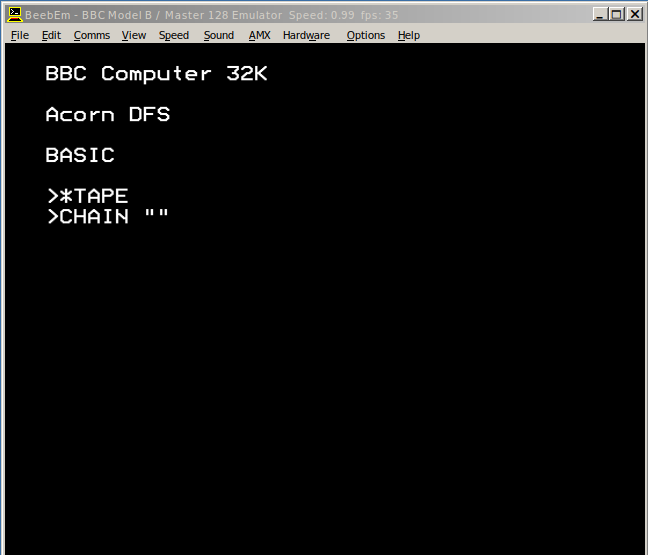
Next enter the following and hit enter to load the select tape file
*TAPE
CHAIN ""
The tape will now start loading in to memory, and eventually be ready to play
If you want to increase the tape speed, select Comms >> Tape Speed from the menu at the top.